
Interactive Flat Panels for Schools in Oman
With over 15 years of experience in interactive display technology, boardEX offers 4K UHD touch displays, digital whiteboarding and AI-assisted teaching tools. Teachers can explain concepts on screen, prepare lesson materials, create mind maps and share notes with students to keep classroom activities connected and organised.
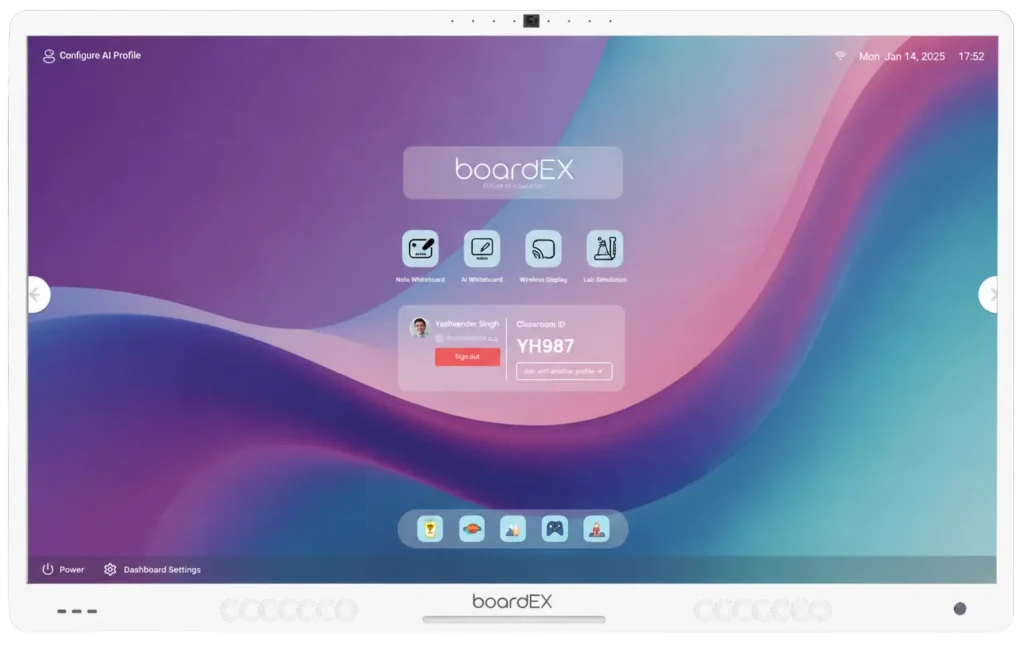
Make Everyday Teaching Easier with boardEX
From explaining a complex concept to preparing the new lesson, boardEX interactive flat panels for schools surprise teachers with tools for everyday classroom use. They can write directly on the 4K touch screen, annotate learning materials, share content and use AI-assisted features to prepare lessons, generate mind maps and create quizzes. Teachers can also save and share lesson notes for students to revisit, helping keep classroom explanations and learning materials connected beyond the lesson. With screen sizes from 58* to 96, and configurations to suit different classrooms, schools can choose a solution that fits their teaching needs and budget.
- Interactive Learning
- Easy-to-Use Technology
- Digital Classroom Solutions
- Reliable Support

Interactive Whiteboard
Write, draw, highlight and annotate lesson materials directly on the screen while explaining topics to students.
Instant Note Sharing
Save and share lesson notes, explanations and annotated content so students can revisit important points after class, where supported.
Multi-Touch Collaboration
Allow multiple students to interact with the screen at the same time for group exercises, problem-solving and classroom activities.
Digital Lesson Presentation
Display presentations, documents, images and videos on one screen to help teachers explain topics using different learning materials.
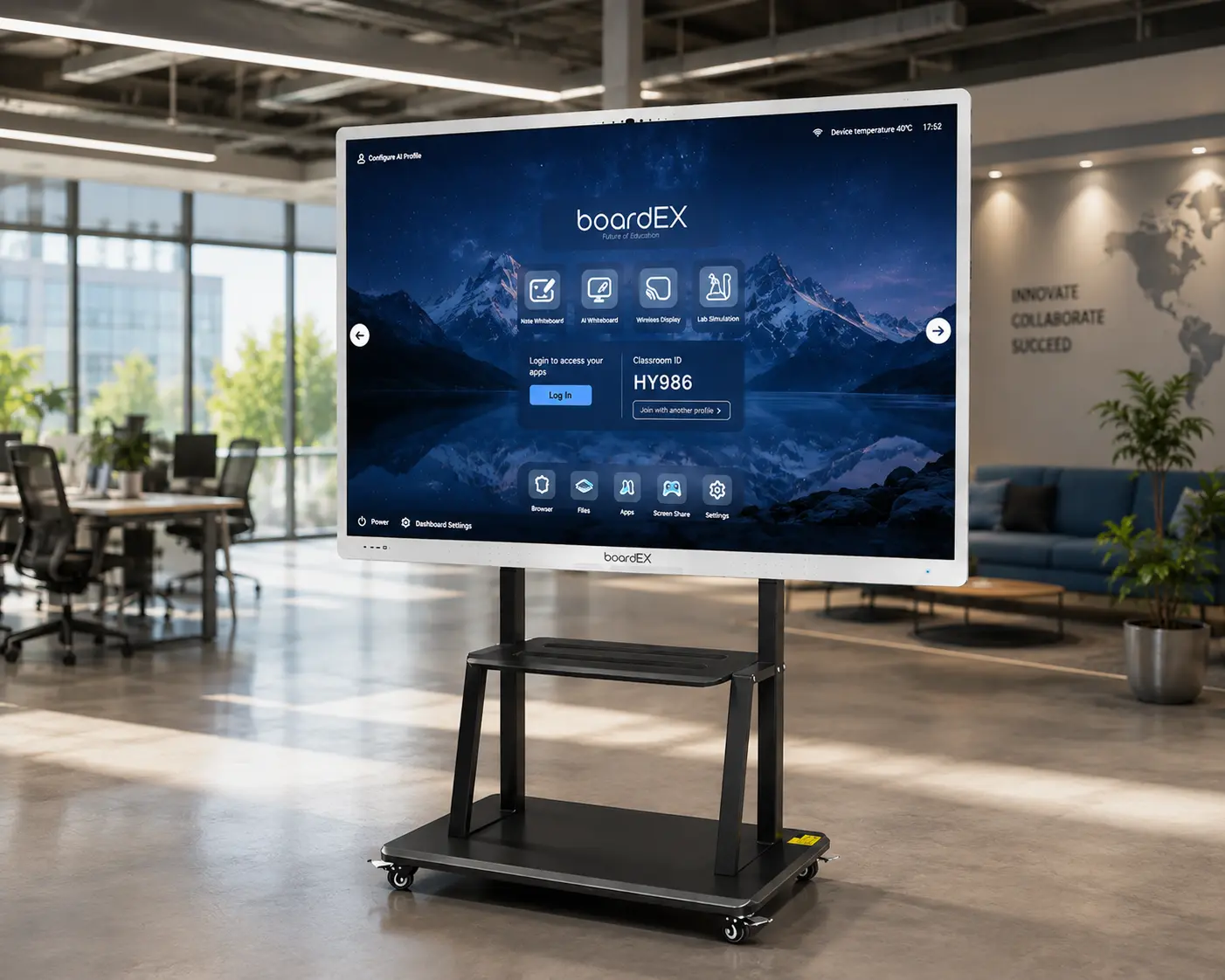
15 years of experience
Education Technology Backed by Display Experience
boardEX is an interactive display brand under BNB / Badarat Al-Aamal, established in 2006. With over 15 years of experience in interactive display technology, boardEX develops and manufactures interactive flat panels for schools, educational institutions and businesses.
For schools in Oman, boardEX offers interactive display solutions that support everyday teaching, from explaining lessons and annotating learning materials to sharing digital content and conducting classroom activities. Schools can explore different screen sizes and product configurations, with guidance to help them select panels that suit their classrooms and teaching requirements.
- Interactive display solutions from an experienced manufacturer.
- Features to support classroom teaching and digital learning.
- Options to suit different classroom layouts and learning spaces.
- Available features for lesson planning, quizzes and visual learning.
- Help comparing models, specifications and configurations.
- Support with product-related queries and service requirements.
- An established presence in the region, serving education and business customers.
Not Sure Which Interactive Panel Your School Needs?
You don’t have to figure it all out yourself. Tell us about your classrooms, and we’ll help you explore the right screen size and features for your school in Oman.
Certifications & Partners
International Quality. Local Expertise.



Technology Features
Why Choose boardEX for Your Educational Institution?
OEM Manufacturing
Tailored technology solutions built specifically for the demands of institutions and businesses across Oman.
Interactive display products from an experienced manufacturer.
Seamless setup that pairs instantly with your existing network infrastructure and software suites.
4K Interactive Displays
Built with durable, enterprise-grade components designed for heavy daily use.
High-resolution screens for lessons, presentations and visual learning.
Expert customer service and technical assistance based locally to support your operations.
Frequently Asked Questions
What is the difference between an interactive flat panel and a traditional projector?
An interactive flat panel has a built-in display that shows digital content directly on the screen. Unlike a traditional projector, it does not require a separate projection surface. Teachers can also write, draw and interact with content directly on a touch-enabled panel.
How can interactive flat panels support different teaching methods?
Teachers can use presentations, videos, diagrams, digital whiteboarding and on-screen activities to explain lessons. These options support visual demonstrations, guided practice, group discussions and student presentations.
Can interactive flat panels be used with existing classroom computers?
Many interactive panels support connections to compatible computers and other devices. The available connection options depend on the panel model, ports and software. Schools should check compatibility with their existing equipment before purchasing.
What should schools consider before choosing an interactive flat panel?
Schools should consider classroom size, viewing distance, screen size, touch capabilities, display resolution, connectivity, software requirements, warranty and technical support. The number of classrooms and intended teaching activities can also influence the choice.
How can interactive flat panels be used in STEM education?
Teachers can display scientific diagrams, mathematical equations, charts, videos and compatible simulations. Students can work through problems on screen, discuss results and explore visual representations of scientific and mathematical concepts.
Can interactive flat panels help students with revision after class?
Yes. Teachers can save lesson materials, annotated notes and worked examples when supported by the panel’s software. These resources can then be shared through available methods, allowing students to review important concepts later.
Do teachers need special training to use interactive flat panels?
Basic functions such as writing, opening presentations and annotating content are generally straightforward to learn. Training can help teachers become familiar with advanced tools, software features, device connections and classroom workflows. And yes, boardEX offers free training to teachers on how to use and learn the features.
What is the role of AI in classroom teaching?
AI tools can assist teachers with tasks such as drafting lesson plans, generating quiz questions, organising ideas into mind maps and preparing visual resources. Teachers should review AI-generated content for accuracy and ensure it aligns with their curriculum and students’ needs.